How to Make a Cartoon: A Step-by-Step Tutorial
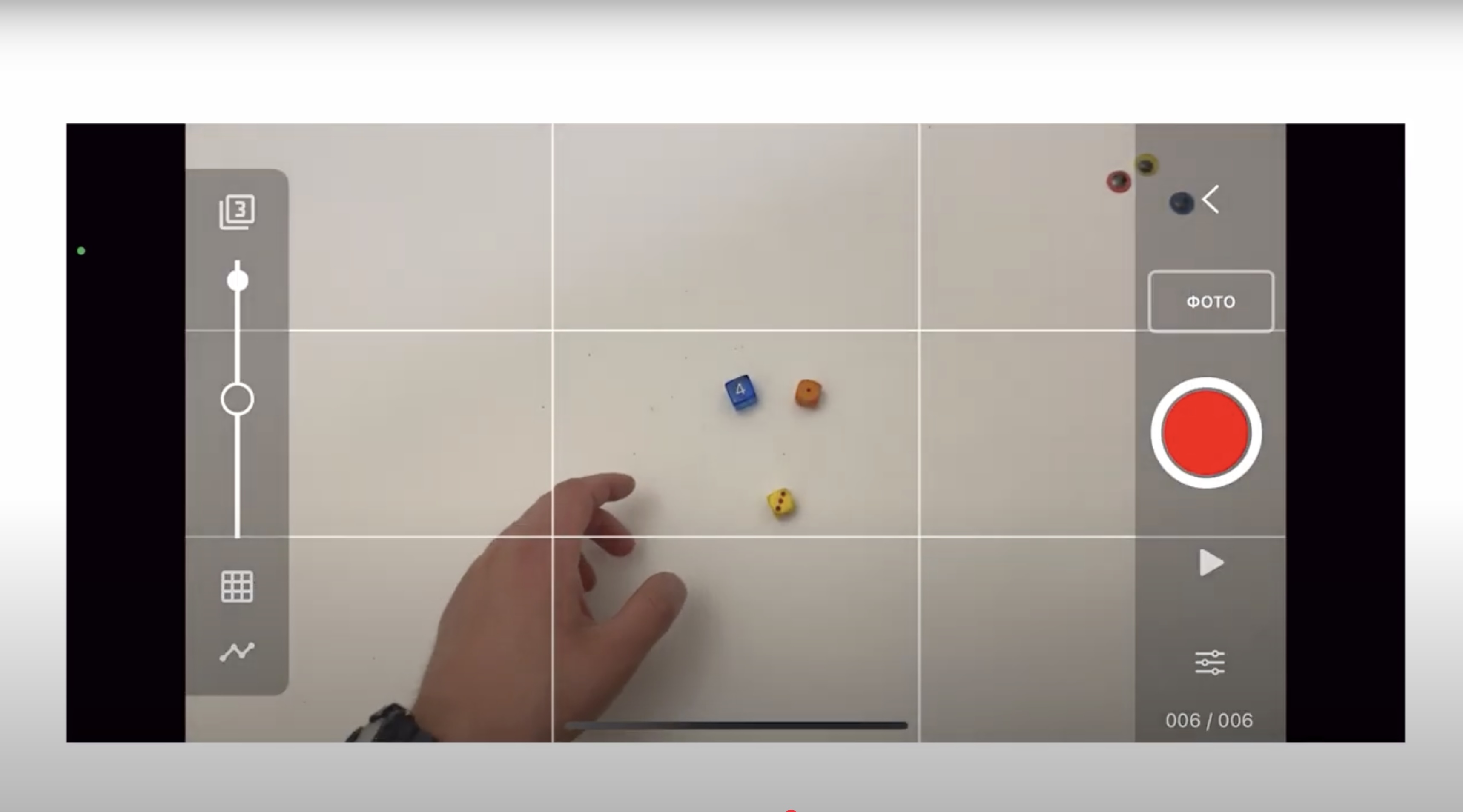
This video is a step-by-step tutorial on how to create a simple animated film using a smartphone or tablet with the Stop Motion Studio app.
The tutorial explains how to set up the app, choose basic settings (such as frame rate), prepare the shooting process, and take frames correctly using simple tools like a tripod or everyday objects. It also covers the basics of editing and montage, including deleting unnecessary frames, changing their order, adding pauses, looping movements, and adjusting timing to improve the animation.
Special attention is given to working with sound: recording voiceovers, adding pauses for better synchronization, and exporting the final video. The video focuses on a simple and accessible approach, making animation possible without professional equipment or advanced software.
This tutorial is suitable for teachers and youth workers to use during workshops or masterclasses on animation and media literacy, and it is also useful for young people who want to create their first animated film independently.
👇Watch the tutorial video in Russian (subtitles available in Latvian, Estonian, and English)
Co-funded by the European Union. Views and opinions expressed are however those of the author(s) only and do not necessarily reflect those of the European Union, European Commission or The National Agency (Agency for International Programs for Youth). Neither European Union nor the granting authoiry can be held responsible for them.